
Robot vacuums and mops

Kärcher’s robot vacuums and mops offer an efficient and discreet solution for floor cleaning. Flat, round and quiet, they move systematically through living spaces, precisely avoiding obstacles and autonomously cleaning hard floors and low-pile carpets. The tedious task of manual floor care is a thing of the past. Kärcher has the right model for every requirement. Whether you primarily need to vacuum-clean your carpets, mop hard surfaces or combine wet and dry cleaning, the wide range of functionality meets every need.

0 Products

Highlights

Robot, cloud and app – 3 elements, one cohesive system

The Kärcher robotic vacuum cleaners offer a wide range of functions and configuration options – while also being really simple to use. The combination of robot, cloud and control via smartphone app forms the perfect basis for the best cleaning results. Use the timer functions and configure the cleaning programmes to suit your individual needs. And if a security update or new functions are available for the robot, you'll be automatically notified by the app. Discover our autonomous cleaning solutions for your everyday chores and gain time for the finer things in life.
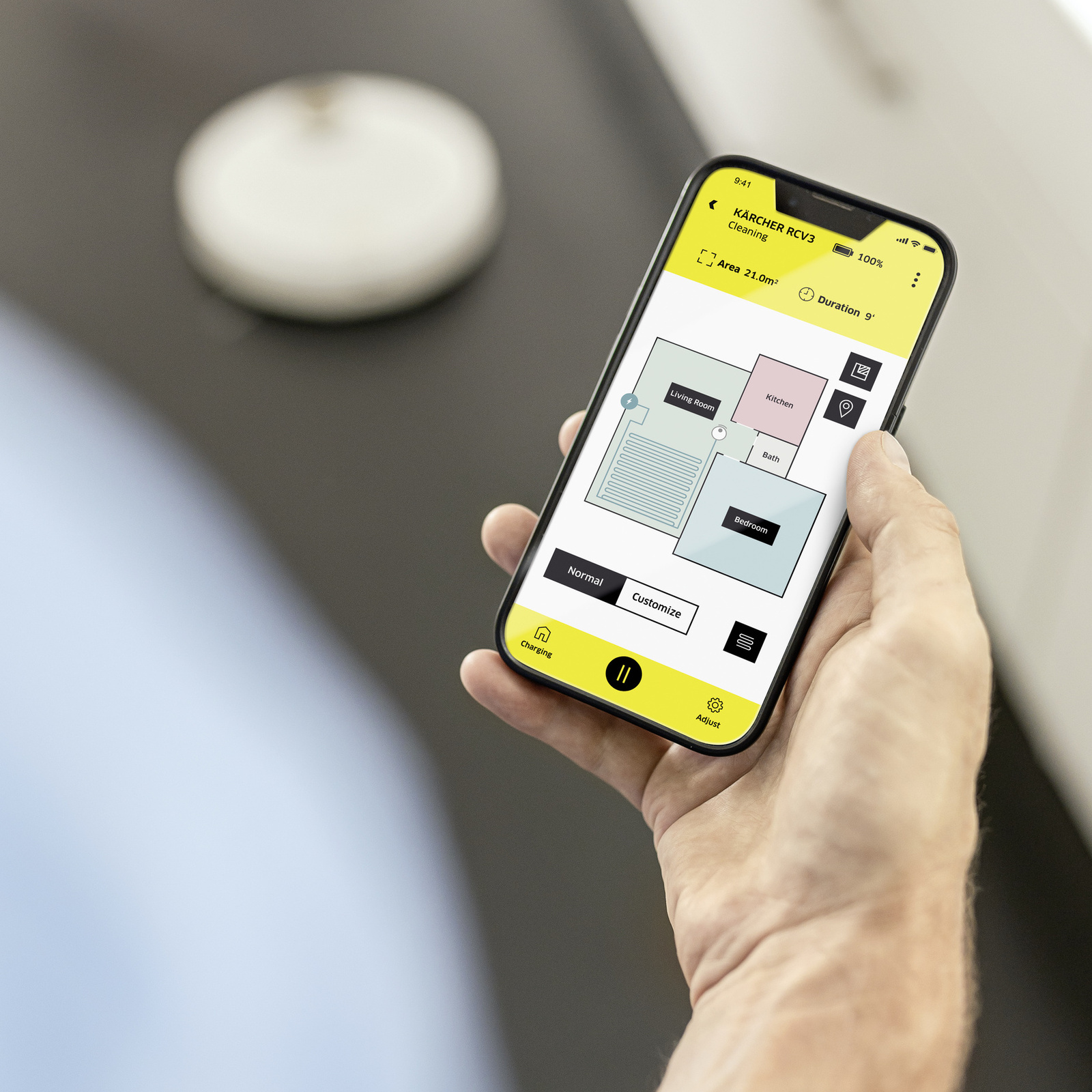
Person controlling robotic vacuum cleaner by smartphone app

The future is now: autonomous cleaning

Starting your robotic vacuum cleaner remotely is so simple using the smartphone app, so you can get back to a clean house. Our robotic vacuum cleaners and mops do the job for you. The robot uses high-tech LiDAR laser navigation to initially establish a floorplan of your home. When it sets out on its cleaning run, its precise sensors ensure it always knows exactly where it is, how to get around obstacles in the room or where it needs to turn at steps or stairs. The robot vacuums and mops fully autonomously and guides itself back to its charging station. The live mapping function means you can check the cleaning progress at any time. The top-spec model, the RCV 5, also features AI object detection so it can automatically drive around or go around even low objects such as shoes or cables. It even detects carpets and delivers an extra thorough clean when in vacuum mode or avoids them altogether while in mop mode.
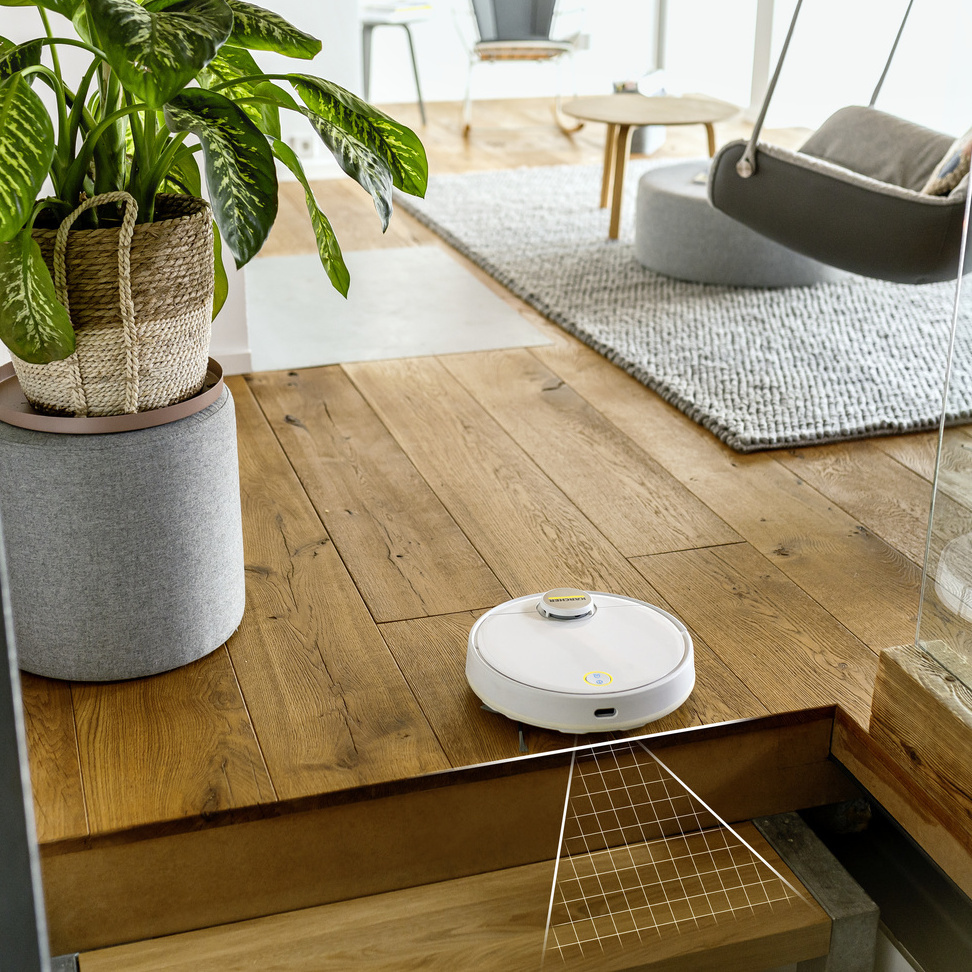
Robot vacuuming and mopping in front of stairs

The choice is yours: tailor the cleaning level and choose from various cleaning methods

The Kärcher robotic vacuum cleaners and mops are real all-rounders. Whether it's simple dry cleaning with the suction fan and brush or combined with the extra wiping function from the microfibre cloth and fresh water tank, anything is possible. And, thanks to convenient app control feature, everything is always in hand. Cleaning settings, such as the suction power or the water volume for mopping, can be adjusted to suit individual requirements. Areas of heavier soiling can be passed over multiple times for a more thorough clean.
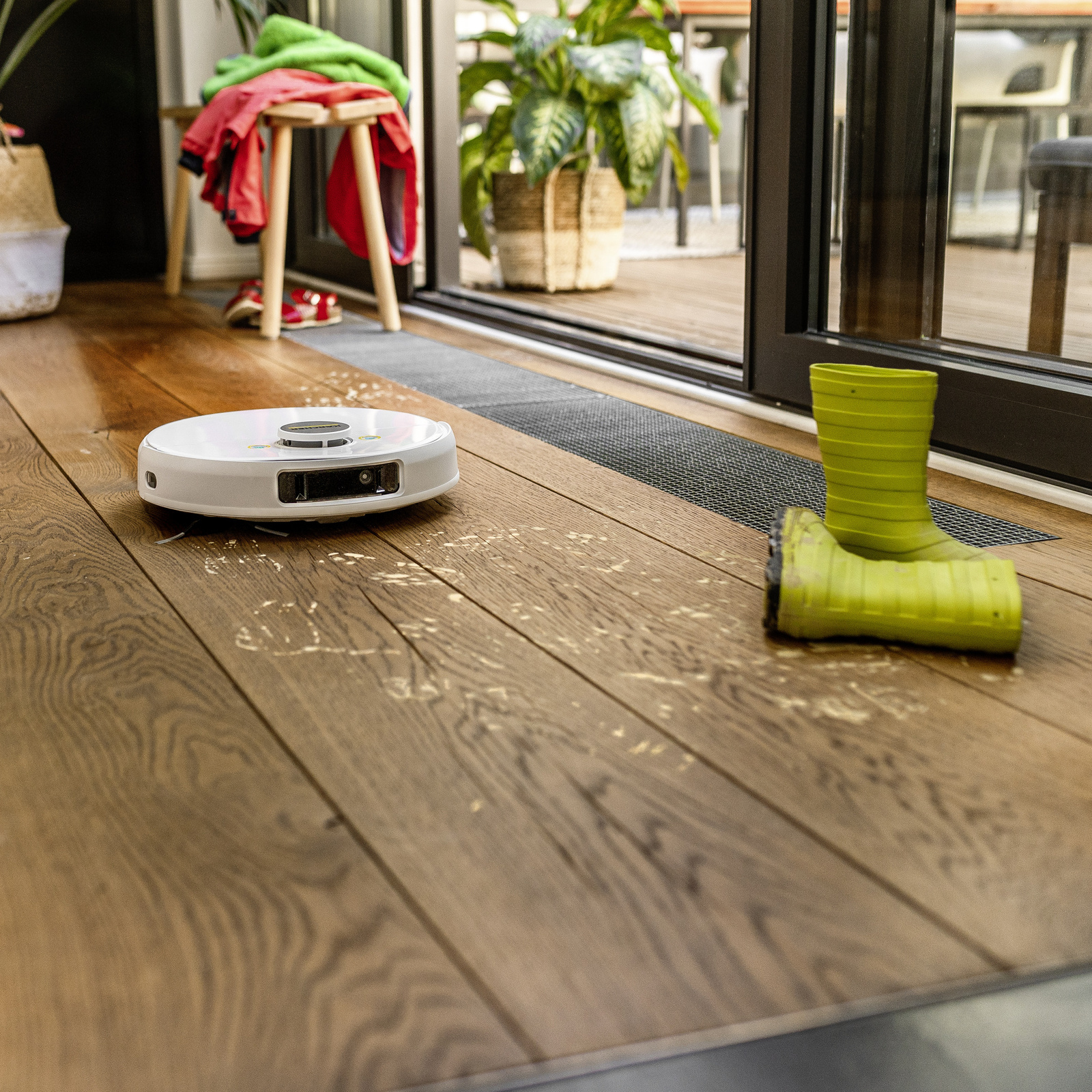
Robot mopping up footprints

RCF 3 – The hard surface specialist

Robot mop with roller technology
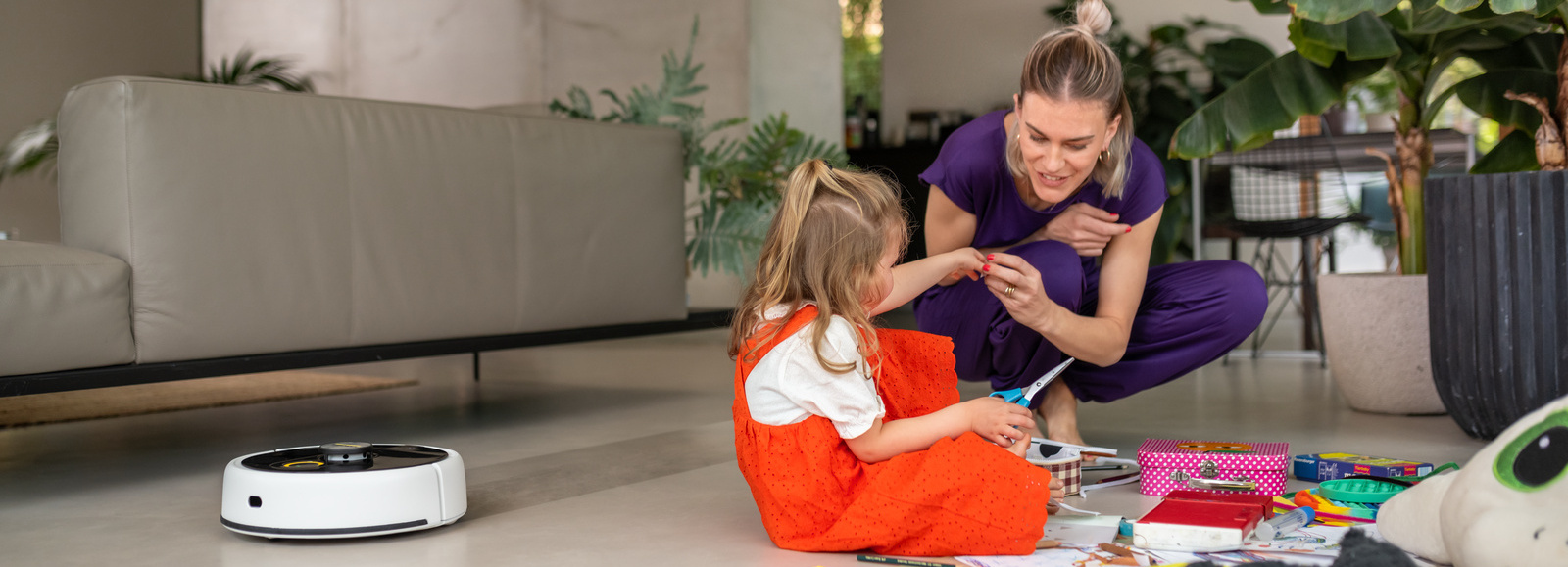
Robot mop with roller technology

Your helper for effortless wet-cleaning

Discover our RCF 3 robot mop for effortless wet-cleaning. With proven roller technology, it removes stubborn dirt and automatically manoeuvres around carpets as desired. Two tanks ensure a continuous supply of fresh water and efficient collection of dirty water.
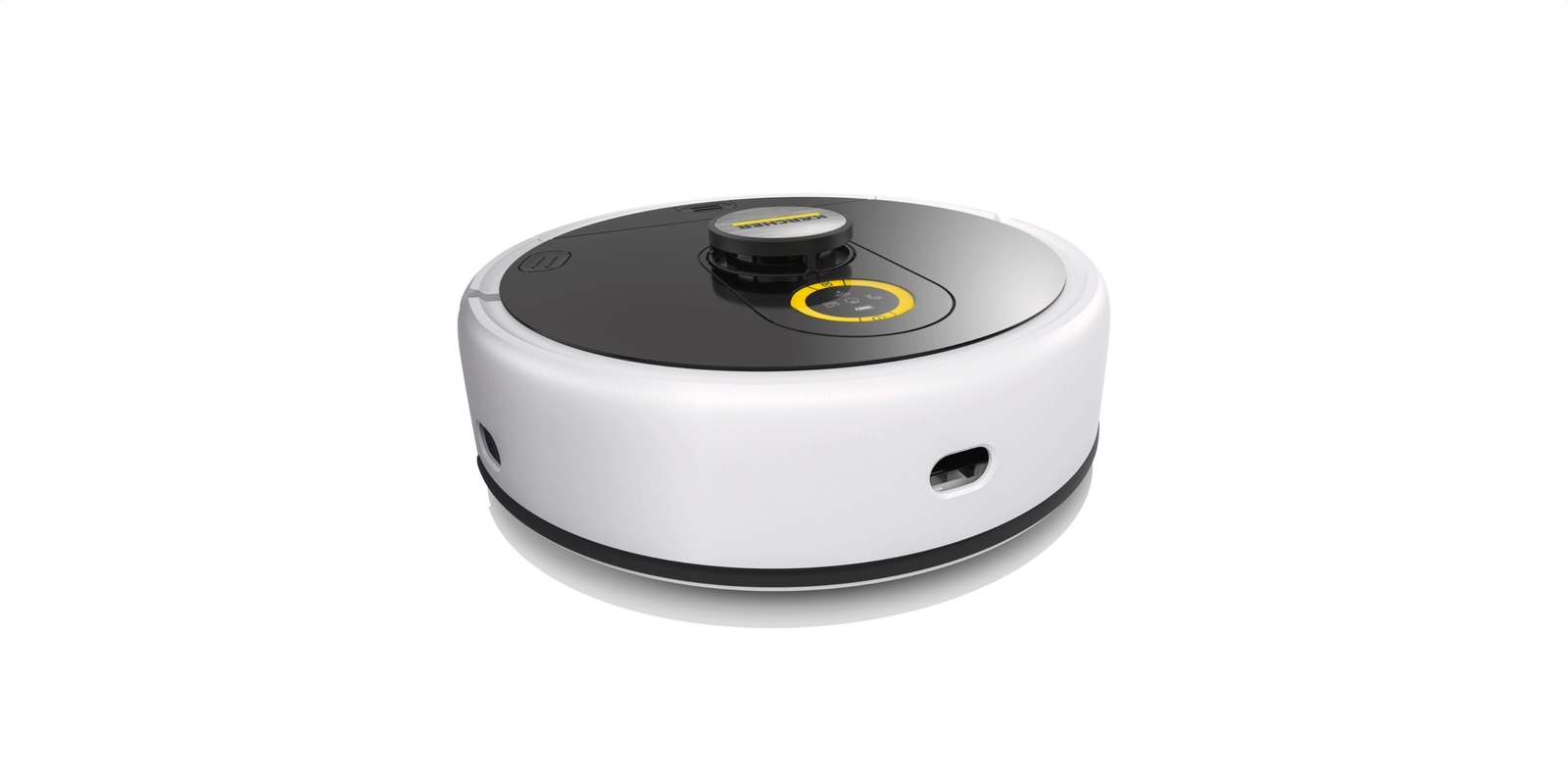
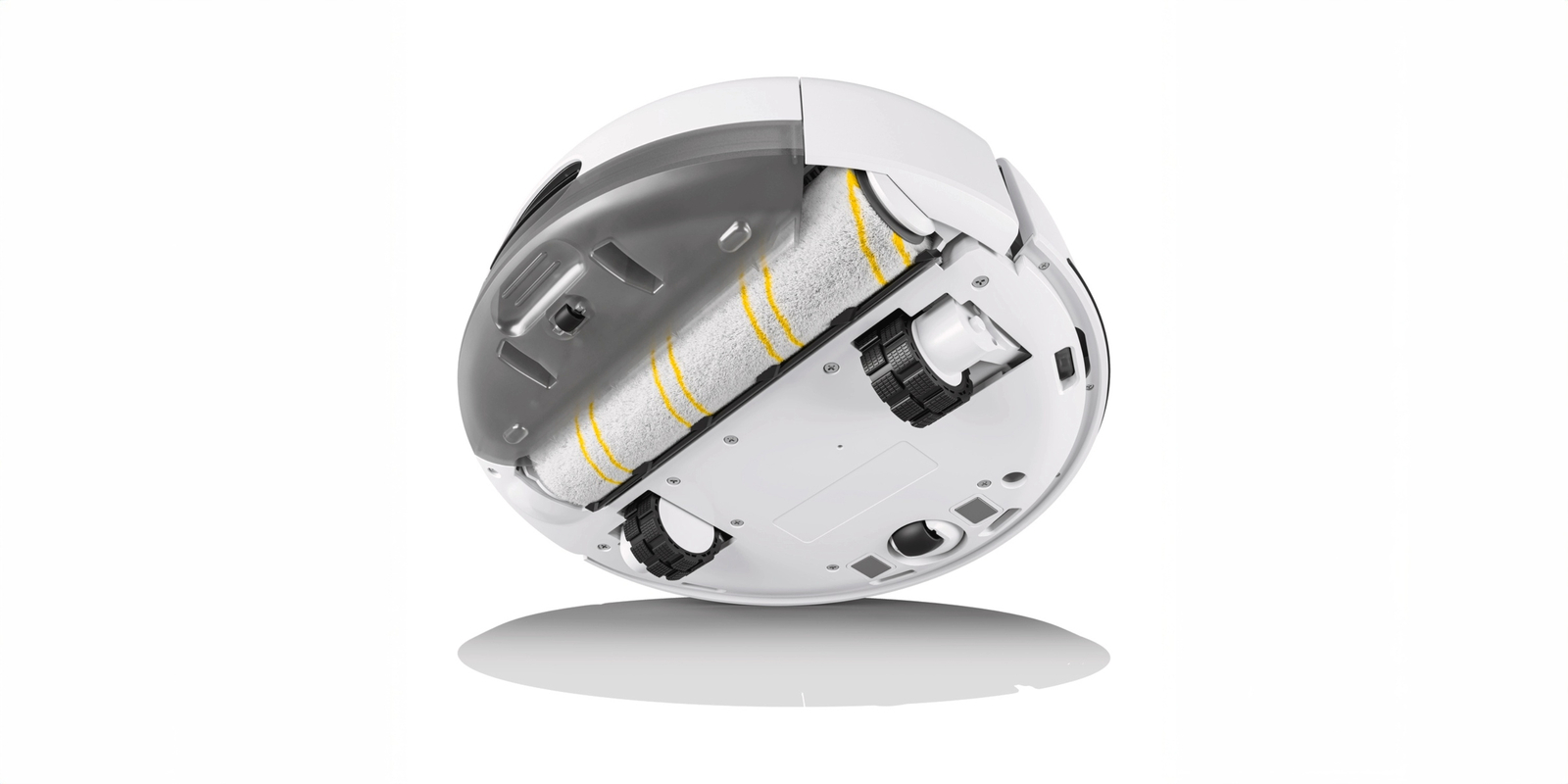
Robot mop with roller technology

Exclusively for particularly thorough wet-cleaning of hard floors.

  • Fresh water tank in the robot
  • Dirty water tank in the robot
  • It doesn’t feature a separate suction unit, but can nevertheless pick up small amounts of light, dry dirt with the roller and collect it in the dirty water tank
  • Rotating microfibre roller for wet-cleaning of hard surfaces
  • During cleaning, the wet mop roller is continuously moistened, wiped off and kept clean via a fresh water tank
  • Types of dirt: even stubborn, ingrained dirt such as sauce stains, footprints, coffee stains
  • Easy maintenance: All parts of the robot that come into contact with dirt can be removed and washed. The roller is machine-washable at 60 °C. This not only ensures consistently excellent cleaning results, but also guarantees the long-lasting performance of your little helper.
  • Hard floors (e.g. parquet, laminate, cork, stone, linoleum or PVC)

Advantages that make the difference


Autonomous cleaning – no problem with the Kärcher robot apps!
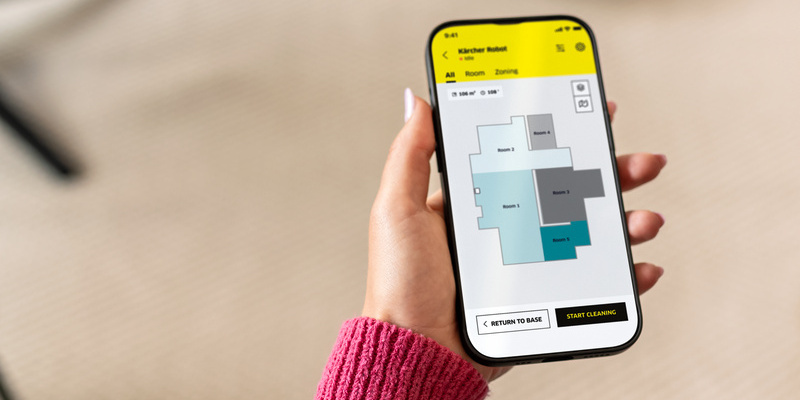
Personalised cleaning schedule

Create a cleaning schedule

Personalised cleaning schedule

Flexible time and room planning

Room-specific parameters can be planned
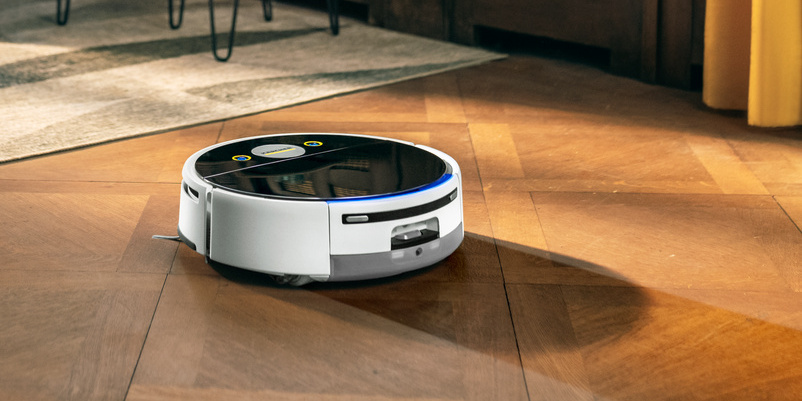
Variety of cleaning modes

Discover the diversity of our cleaning modes

Flexibly selectable suction power or water volume

Intensive cleaning for heavy soiling

Auto Boost for carpet cleaning
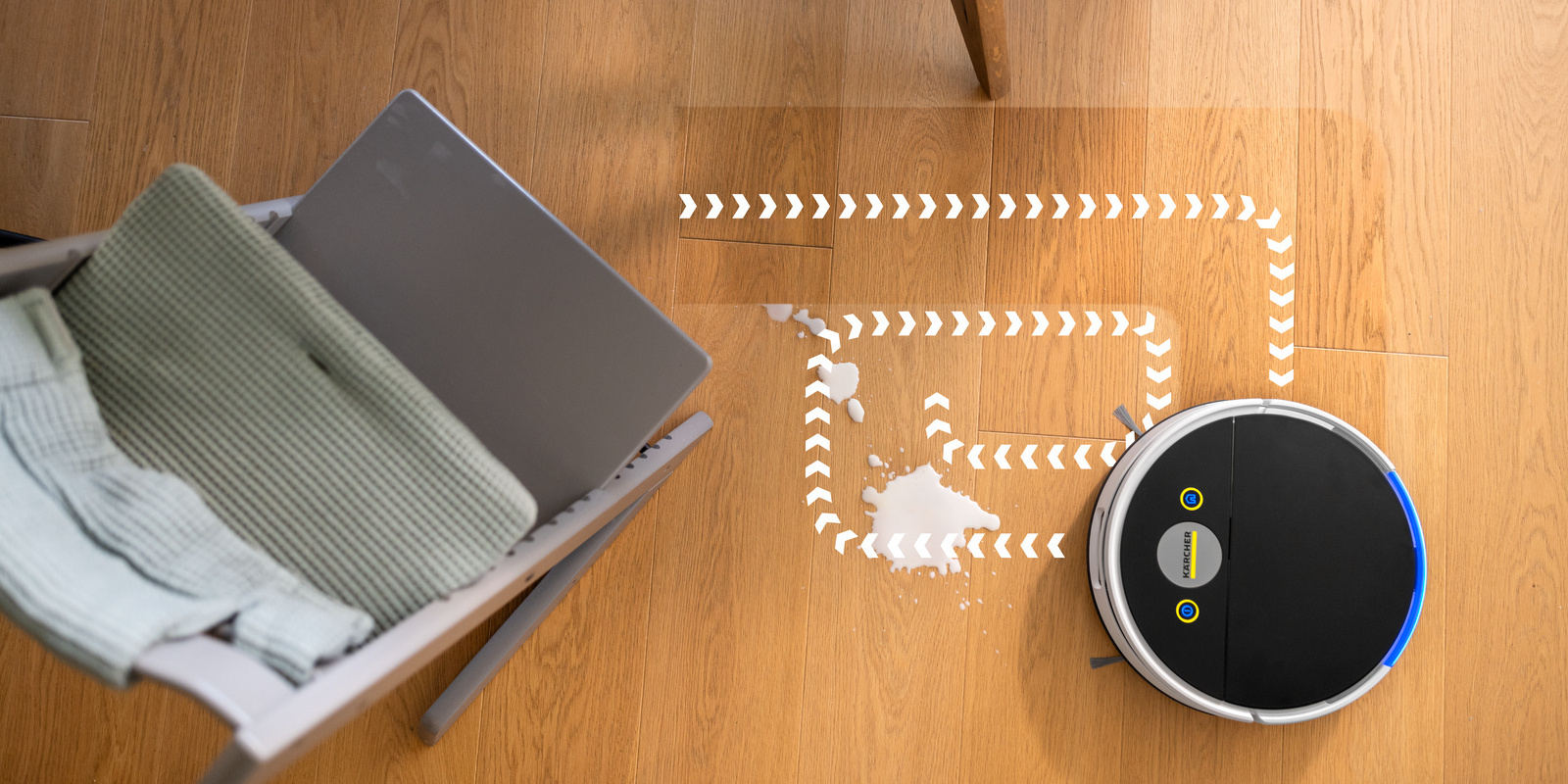
Localised soiling

For minor accidents

Spot cleaning for localised soiling
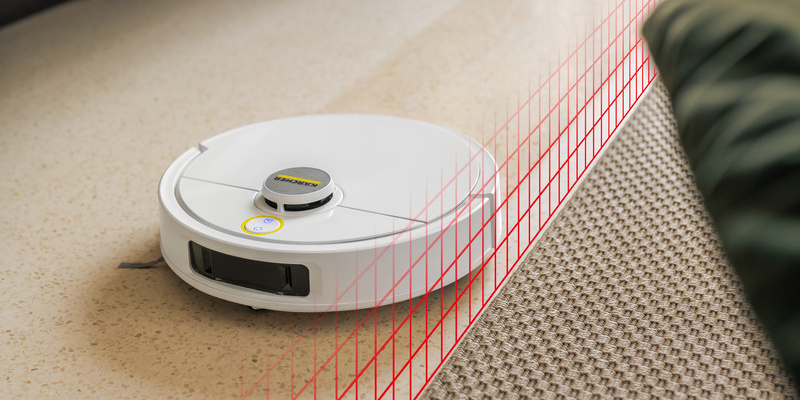
Personalisation made easy

Personalisation made easy

No-go zones or restricted areas

Carpet avoidance on request

AI functions can be selected

Customisation of station parameters and maintenance intervals
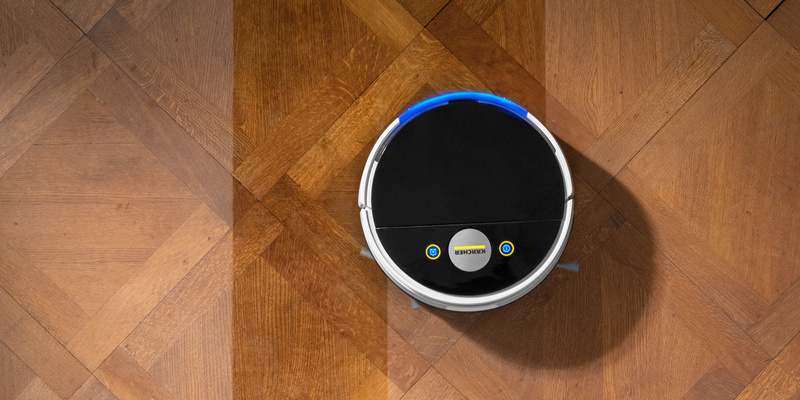
Accessory statistics

Accessory statistics

Overview of replacement intervals for accessories and consumables
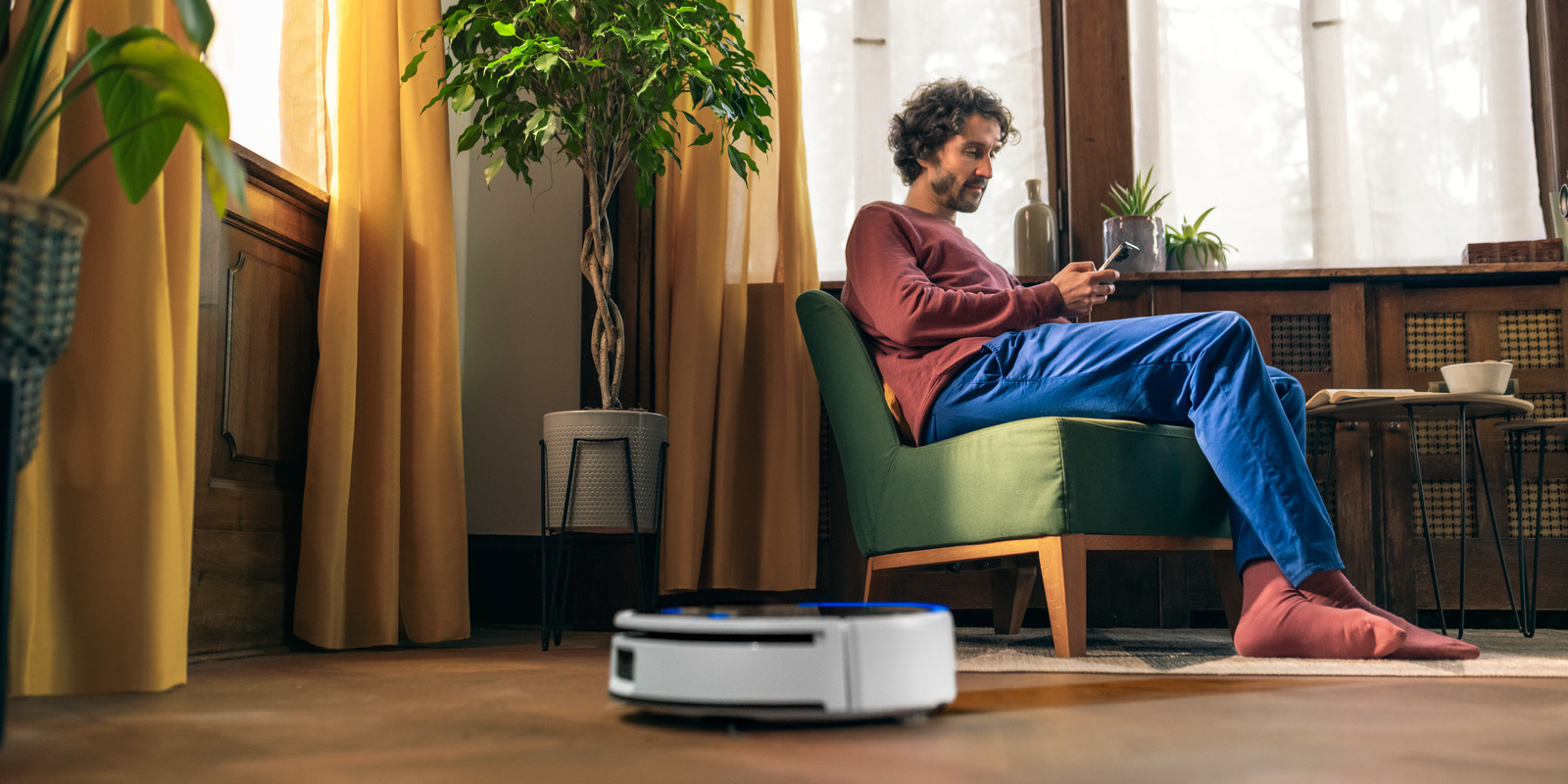
Other functions

And much, much more...

Live camera and manual control

Speakers and voice output

Cleaning history

Frequently asked questions and answers

Initial startup and maintenance

Accessories

FAQs – Questions and answers

General questions about our robot vacuums and mops. You can find further questions and answers in the individual app for your cleaning robot:

Please make sure the docking station is plugged in. We recommend placing the docking station against a wall with 1.5 metre clearance to the front and 0.5 metre clearance to the left and right.

If the docking station is moved during cleaning, the cleaning robot may struggle to locate it once it has finished its work.

Before the cleaning robot starts cleaning, it rotates on its axis and sometimes moves around a little to calibrate itself with regard to its position in the room. This process is run by default. If the cleaning robot nevertheless moves in an uncoordinated manner, please check the following:

a) The fall sensor is covered with dust or dirt, which triggers an error signal. Clean the fall sensor with a slightly damp cotton cloth.

b) The wheel has something caught in it, causing the cleaning robot to move in circles. Remove the foreign object from the wheel.

c) The collision sensors are defective. Touch and press the collision sensors on the front and sides of the cleaning robot to check that the plate can spring back automatically.

If the above points do not apply and the methods mentioned do not resolve the issues, please contact our customer service.

Upon initial startup, the cleaning robot travels around the room to calibrate itself, creating a map of the area. It does not clean as it does so. After the calibration process, the cleaning robot returns to the station and saves the map. It then begins cleaning.
This calibration process can be repeated for new areas via the app.

We recommend placing the docking station on a surface that is not sensitive to moisture (tiles, etc.). It should be positioned flat against a wall. Leave a space of at least 0.5 m on each side, 1.5 m in front and 1 m above the docking station. In angled or narrow areas, the cleaning robot may have difficulty locating the station correctly.

a) The battery is too low for the scheduled cleaning.
b) The scheduled cleaning time was not saved. Please check whether the cleaning task was saved or corresponds to your requirements.
c) Ensure that all cleaning components (tank, wet mop unit, brush, etc.) are fitted.
d) Ensure that the “Do not disturb” mode is not active during the desired period.
e) Ensure that the fresh water tank is full (depending on the cleaning robot model).
f) Ensure that the dirty water tank is empty (depending on the cleaning robot model).
If the above points do not apply and the methods mentioned do not resolve the issues, please contact our customer service.

a) The dirty water tank is full. Please empty it.
b) The fresh water tank is empty. Please fill it.
c) The dry dirt container is full. Please empty it.
d) The filter is blocked. Please clean it.
e) A foreign object is caught in the brush/wet mop unit/side brushes. Please remove it.
f) The wet-cleaning unit is worn or heavily soiled. Please replace it or clean it.

No. Only use the Kärcher detergents that have been recommended for your cleaning robot in the user manual. For the best possible cleaning results, make sure the correct dosage is used.
Using detergents from other manufacturers, or using too much detergent, can damage the machine and invalidate the warranty.
It may also lead to excessive foaming. This may result in a foam trail on the floor or cause the cleaning robot’s dirty water tank to quickly fill with foam, which will then require emptying.

During the first cleaning tasks, foam may form on the floor or inside the device, as residues from previously used detergents from other manufacturers may still be present on the floor. This can lead to the dirty water tank being incorrectly detected as full and the cleaning process being interrupted.
This will no longer occur once the residues of other detergents have been removed by repeated mopping with the cleaning robot.
Please use only Kärcher RM 536 detergent, with the correct dose, for optimal cleaning results.
Repeated use of detergents from other manufacturers or the use of too much detergent may cause foaming to occur again (e.g. if manual mopping is carried out from time to time).

Only use the cleaning robot to clean floors in private households, specifically floors that are not sensitive to water.

Hard floors:
Do not clean any surfaces that are sensitive to water or susceptible to scratching, such as untreated wooden floors, as moisture can penetrate and damage the floor.
The machine can be used to clean PVC, linoleum, tiles, stone, oiled and waxed parquet, laminate and all other non-water-sensitive floor coverings.
The water volume can be adjusted in the app. For more delicate floors, we recommend using the minimum water volume.

Carpets:
Set the cleaning process individually.

You can find the QR code for the app in the user manual, in the Quick Start Guide or on the packaging for the cleaning robot.
Scan it with your smartphone to download the app.
You can also find the app in the App Store or on Google Play.

The cleaning robot must be moved to the relevant storey by the user, along with the docking station.
In the following cleaning cycles, it is recommended to always programme the cleaning robot to start in the same place on each map, to allow the cleaning robot to relocate itself as easily as possible. The map must be changed to the relevant storey in the app before cleaning starts.

Please check that your wireless network is operating at 2.4 GHz. If your wireless network is dual band
(2.4 GHz and 5 GHz), try setting it to 2.4 GHz.
Make sure the cleaning robot is as close to the router as possible.

Yes, the cleaning robot can be operated remotely. You need an internet connection on both the cleaning robot and the mobile device. This allows the cleaning robot to be easily operated while you’re not at home (Start, Stop, Pause, Cleaning parameters, etc.).
The remote control also works when you’re on the move; however, only devices with a real-time camera allow you to see where you’re steering. For safety reasons, remote control is therefore not recommended for models without a real-time camera if the device is not within eyeshot.

Yes, in the app you can share your device with other people who have also installed the app.

The app shows the percentage that is “used up” for each component and when replacement is necessary.
This is based on runtime tracking (time-controlled).
Please visually inspect the components for wear and tear and soiling, and replace them if they are already heavily worn, otherwise the cleaning performance will be negatively impacted.
How quickly each component becomes worn entirely depends on the user (e.g. depending on the floor type and the degree of soiling).